Module 06 · Voice AI in mixed reality
Realtime voice architecture
At the endA realtime voice that never ships your API key
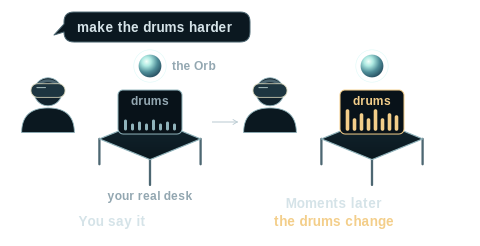
- Time
- about 45 min
- Level
- Advanced
- You need
- Unity with Meta XR SDK · com.unity.webrtc (the version current when you read this) · Claude Code or Codex · A free Cloudflare account (standalone pattern) or Node.js on your PC (bridge pattern)
- Before this
- First build on your headset · When it breaks: logs, adb and debugging · An OpenAI account (or another provider with a realtime speech API) with a separate project you can put a hard spending limit on
Evidence: documented practice with some reconstructed steps.
What this lesson covers
What a talking assistant in a Quest app is made of, why a realtime speech-to-speech session beats a three-step pipeline for it, and the one rule that matters most - the API key never ships in the APK. Two proven ways to keep it off the headset (a PC bridge or a tiny serverless proxy), what to tell your agent, and how to prove it works, from echo to visible state.
- Choose between a realtime speech-to-speech session and a speech-to-text → LLM → text-to-speech pipeline
- Understand the pieces (session setup, WebRTC audio, data channel, tools in the app) well enough to judge your agent's work
- Keep the API key off the headset with a PC bridge for development or a serverless proxy for standalone apps
- Prove the result - no key in the APK, measured connect time, no self-interruption, readable assistant state
This lesson is part of full access
You can see above what it covers. The steps, prompts, code and downloads open with full access: all 46 lessons for €49, paid once.